
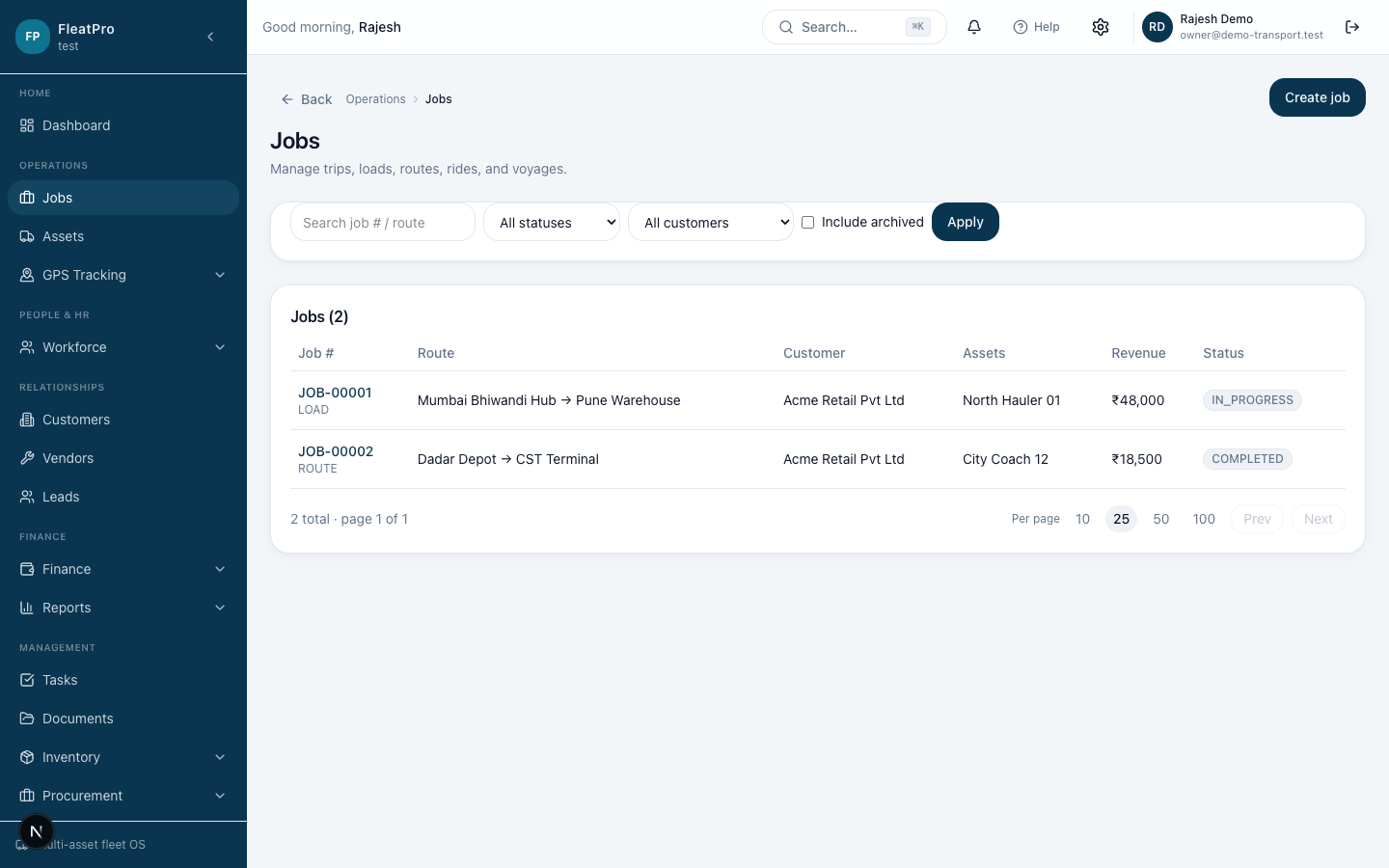
Step preview · Jobs
Steps
- 1
- 2
Create a job
Choose customer, schedule, assets, and people.
- 3
Update status
Move the job through planning, in progress, and complete as work happens.
Create a job
Choose customer, schedule, assets, and people.
Update status
Move the job through planning, in progress, and complete as work happens.