
Step preview · Invoices
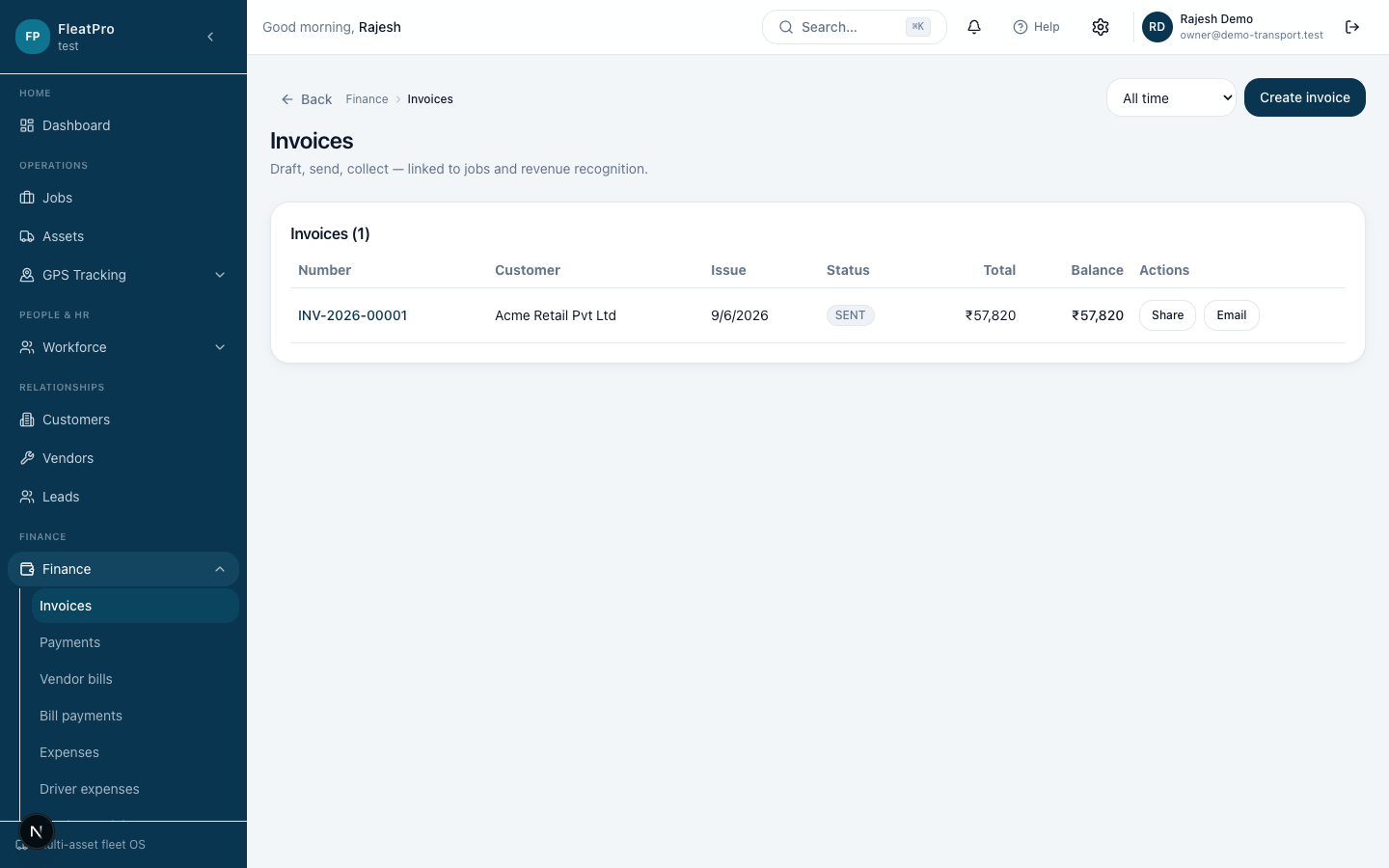
Steps
- 1
- 2
Create an invoice
Add customer, line items, tax, and due date.
- 3
Share or download PDF
Send by email or share a secure link; download a branded PDF anytime.
Create an invoice
Add customer, line items, tax, and due date.
Share or download PDF
Send by email or share a secure link; download a branded PDF anytime.