

One connected platform
SEE FLEATPRO IN ACTION
See FleatPro End to End
Explore how FleatPro connects your customers, people, fleet, operations, GPS and finance in one workspace. Real screens from the demo company — not mockups. Duration ~9 min. Chapters, transcript, and captions in the player.
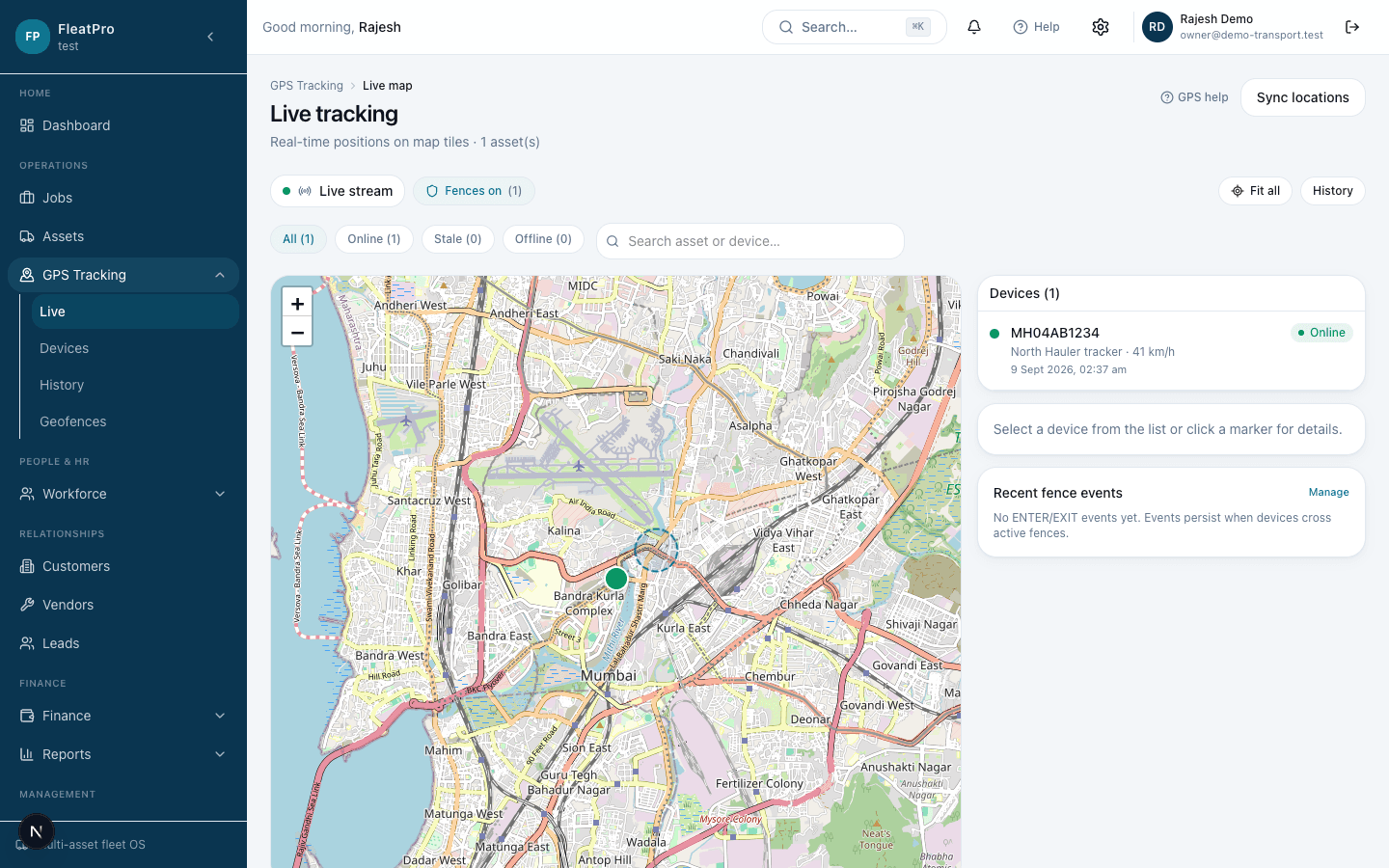
Everything Your Business Needs. One Platform.
Stop switching between disconnected systems. FleatPro connects the core parts of your operation so your team can work from one source of truth.
Operations
Manage jobs, workflows, tasks and day-to-day activity.
Jobs boardTasksAutomationsFleet & Assets
Manage vehicles, assets, status, GPS and operational visibility.
Asset registerLive GPSGeofencesCustomers
Manage customers, contacts, addresses and relationships.
ProfilesContactsJob historyFinance
Manage invoices, payments, revenue and expenses.
InvoicesPaymentsExpensesIntelligence
Understand performance through dashboards, analytics and reports.
DashboardChartsCSV exportControl
Manage users, roles, permissions, branches and company activity.
RolesBranchesActivity
See Your Entire Operation. Clearly.
FleatPro connects operational and financial information so you can understand what is happening across your business and make better decisions.
- 1
Customers
- 2
Jobs
- 3
People + Assets
- 4
Operations
- 5
Revenue + Expenses
- 6
Business Intelligence
Fleet intelligence
Know Your Fleet. In Real Time.
GPS tracking is a powerful capability inside FleatPro — not the whole product. Live locations, devices, history, geofences, and alerts connect to your organization's assets.
Live asset locations
Follow connected devices on live tracking screens.
Vehicle & asset status
See moving, idle, offline, and maintenance-oriented states.
Trips & history
Review trip history and historical positions for assigned devices.
Speed & heading
Capture speed and heading from supported GPS protocols.
Odometer & fuel signals
Surface odometer and fuel readings when devices provide them.
Alerts & geofencing
Configure geofences and respond to GPS alerts for your organization.
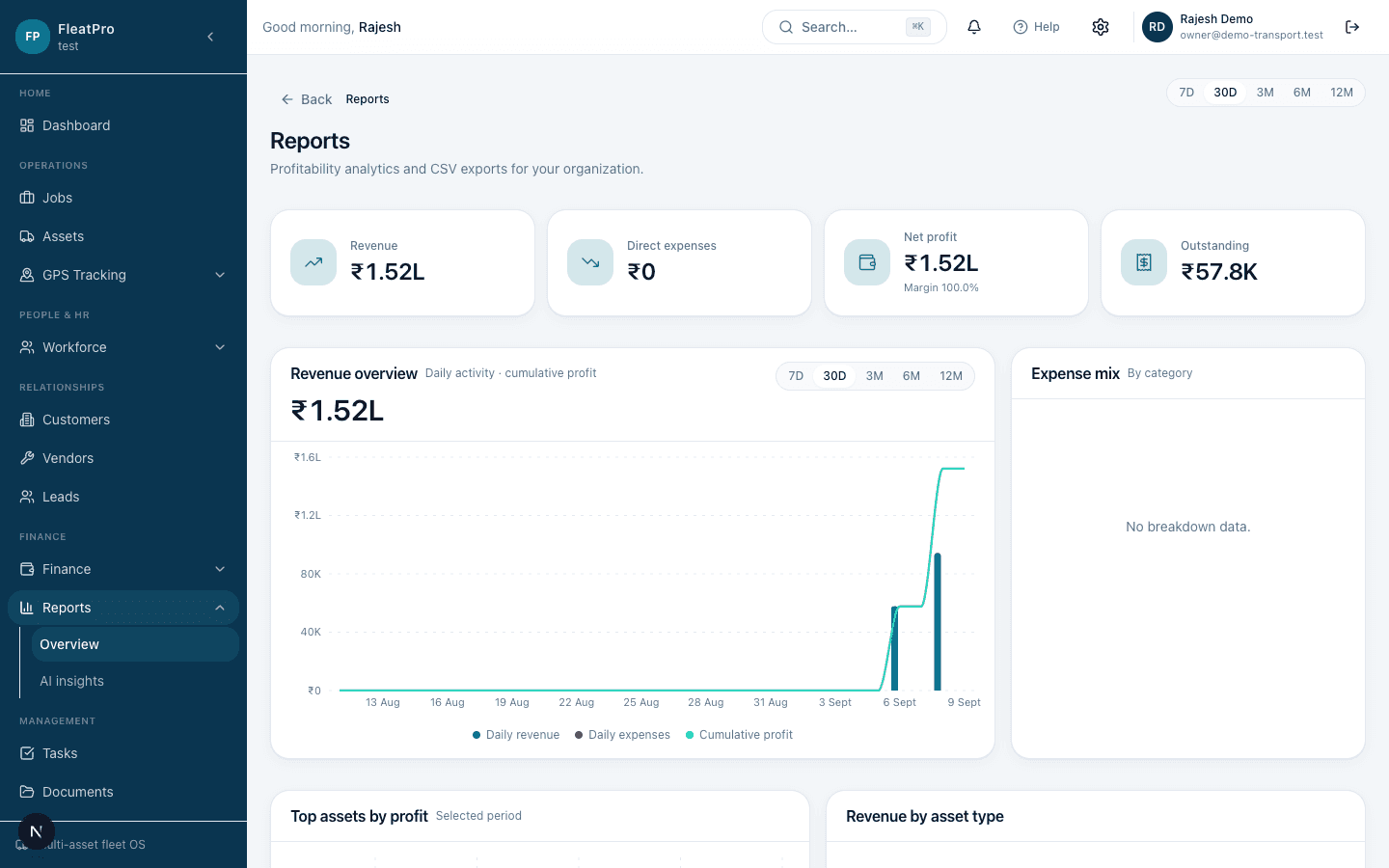
From Daily Operations to Business Performance.
Understand how jobs, customers, assets, revenue and expenses come together — without stitching information together manually.
Built for Businesses That Move People, Assets, Jobs and Money.
FleatPro is not limited to a single industry. These are common ways organizations use the platform.
Transport & Logistics
Coordinate jobs, vehicles, customers, and billing in one workspace.
Fleet Operators
Track assets, costs, utilization, and assigned work across your fleet.
Taxi & Mobility
Manage vehicles, drivers, jobs, and collections with clearer control.
Rental Businesses
Keep assets, customers, documents, and invoices connected per cycle.
Construction & Equipment
Register equipment, assign jobs, track costs, and review performance.
Field Service
Plan jobs, assign people and assets, follow progress, and invoice work.
Delivery Businesses
Run jobs, track vehicles, manage customers, and keep money visible.
Asset-Heavy Businesses
Centralize assets, maintenance-related costs, jobs, and outcomes.
How FleatPro Works
A practical operating loop using modules that already exist in the application.
01
Create
Add customers, assets, people, and job requests.
02
Operate
Assign resources, run the job, and keep tasks on track.
03
Track
Follow progress and connected asset movement.
04
Bill
Invoice the customer and record payments.
05
Analyze
Review dashboard metrics and reports from your data.
06
Grow
Expand users, branches, and permissions as you scale.
Example path
Why FleatPro
Reduce complexity
Bring disconnected business processes together.
Improve visibility
Know what is happening across your organization.
Make better decisions
Turn operational data into useful business insights.
Grow with confidence
Manage users, branches, assets and operations from one platform.
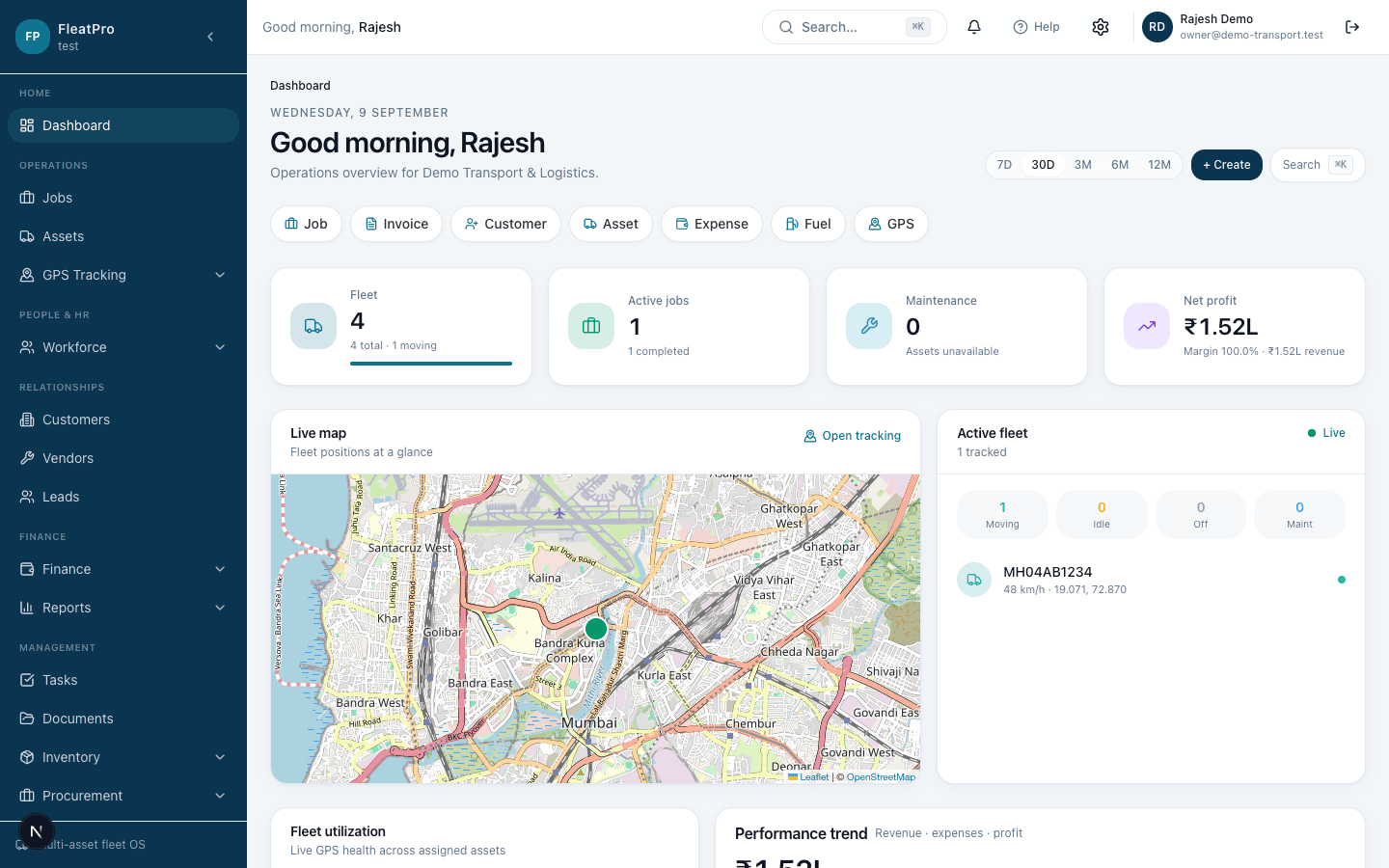
Product showcase
Powerful Where It Matters.
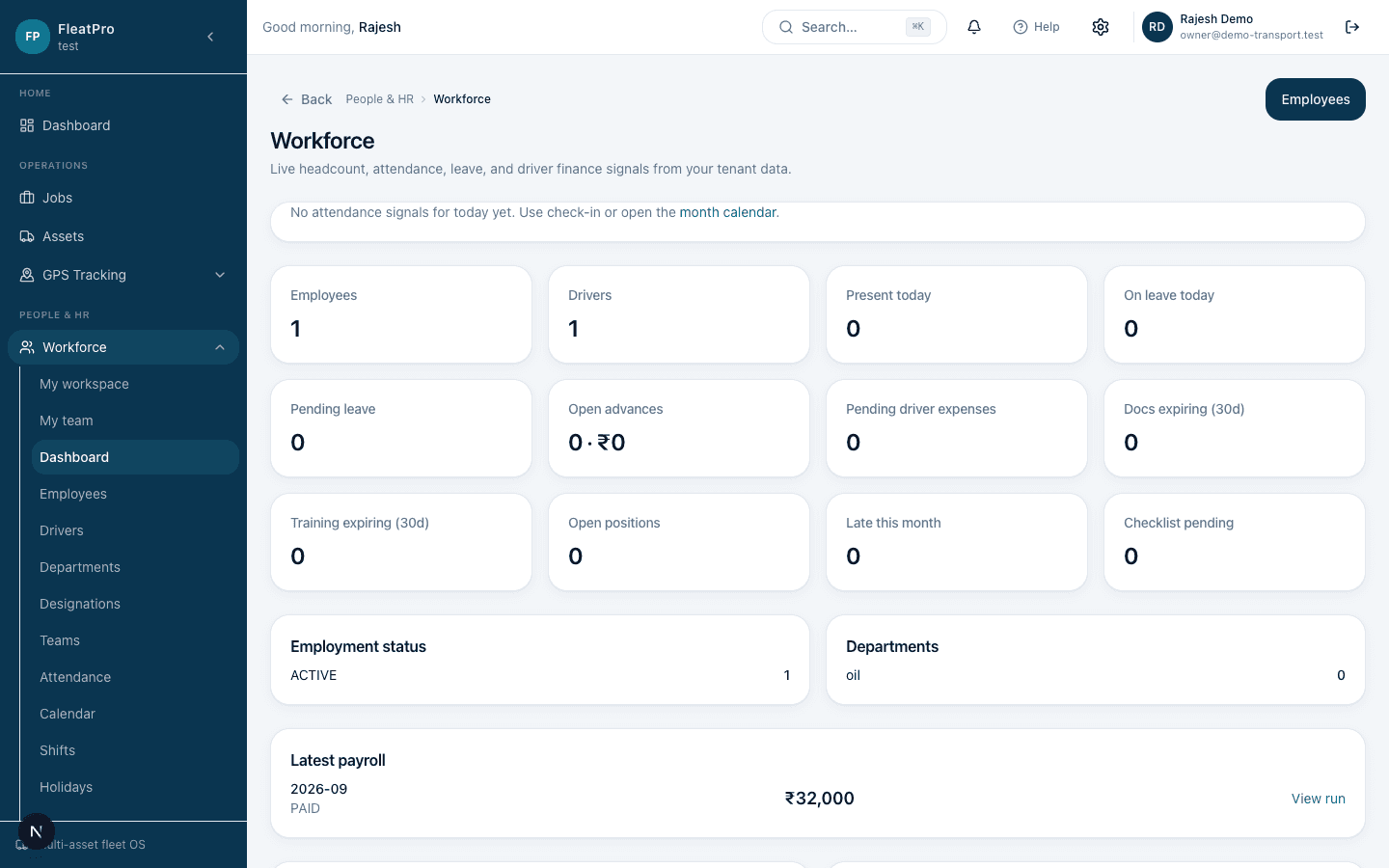
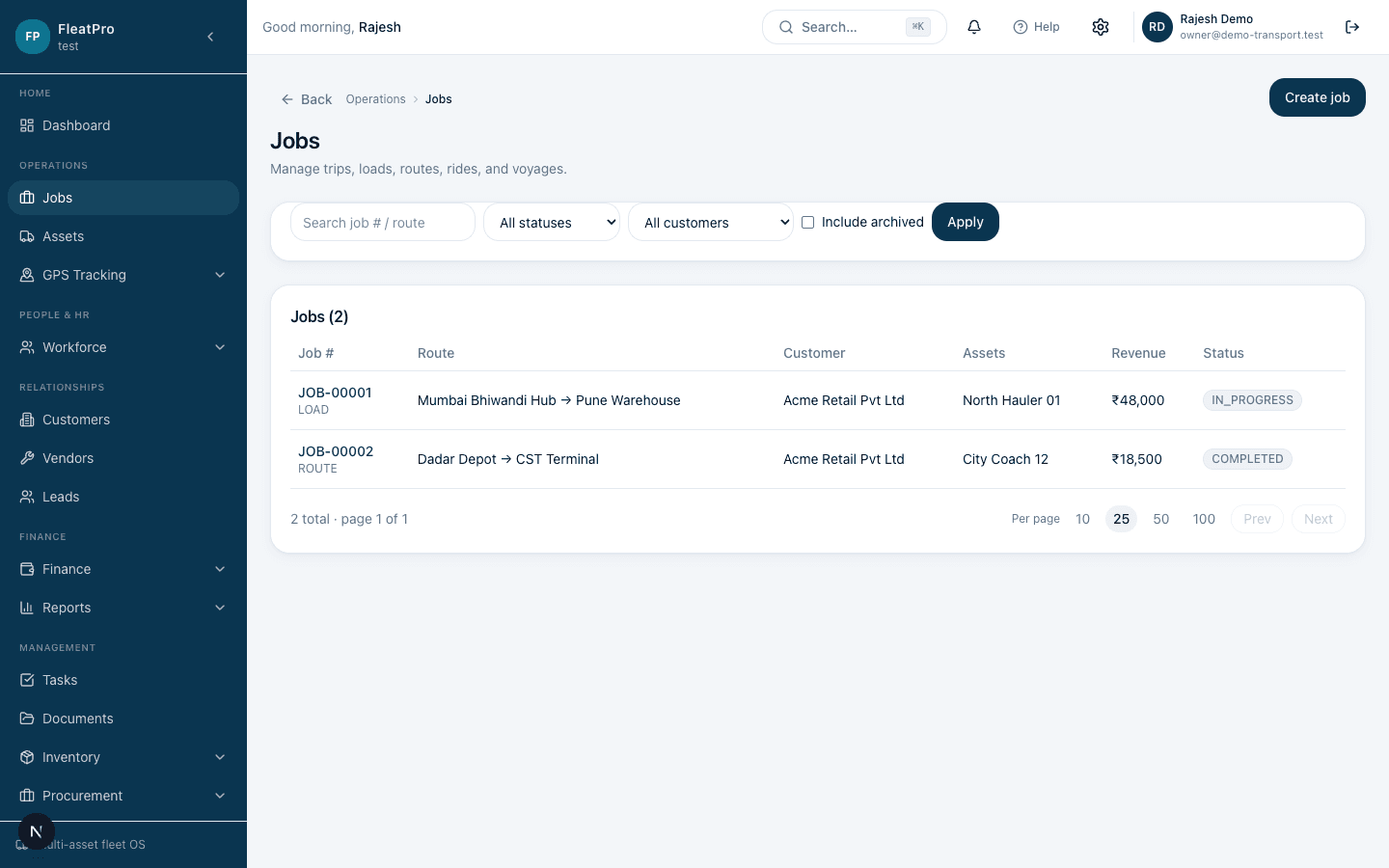
Real screens from the DEMO environment — not mockups. Switch tabs to explore.
Business command center
Operational and financial overview from your organization data.
Security & Control
Trust comes from real controls in the product — not unsupported certifications.
Role-based access
Invite teammates and assign roles with fine-grained permissions.
Organization isolation
Tenant data is scoped to your organization across the application.
Permissions
Control who can view or manage operations, finance, GPS, and settings.
Audit activity
Review organization activity for your company workspace.
Multi-branch support
Structure your company with branches as operations expand.
Secure authentication
Signed-in sessions protect your company workspace and onboarding.