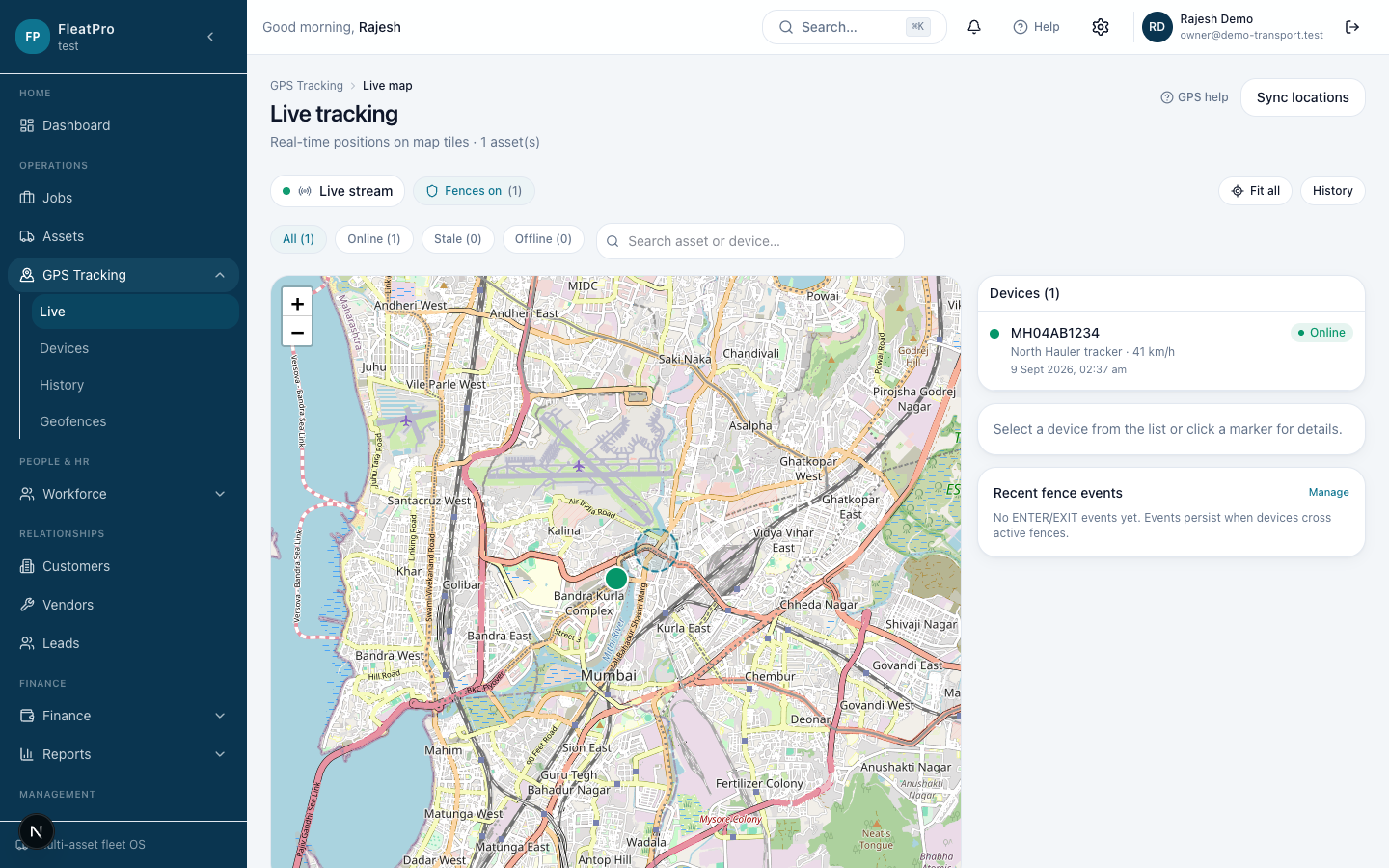
← Help homeGPS TrackingLive map, devices, history, and geofences for connected assets.Open in app →Step preview · GPS TrackingDemo company UI · not live customer dataSteps1Register devicesAdd devices under GPS Tracking → Devices, then assign to assets.Open screen →2Watch liveOpen Live to see current positions.Open screen →3GeofencesDraw areas and respond to entry/exit alerts.Open screen →4GPS settingsConfigure adapters and health under Settings → GPS.Open screen →