
← Help home
Getting Started
A practical path from first login to a working company workspace.
Open in app →Step preview · Getting Started
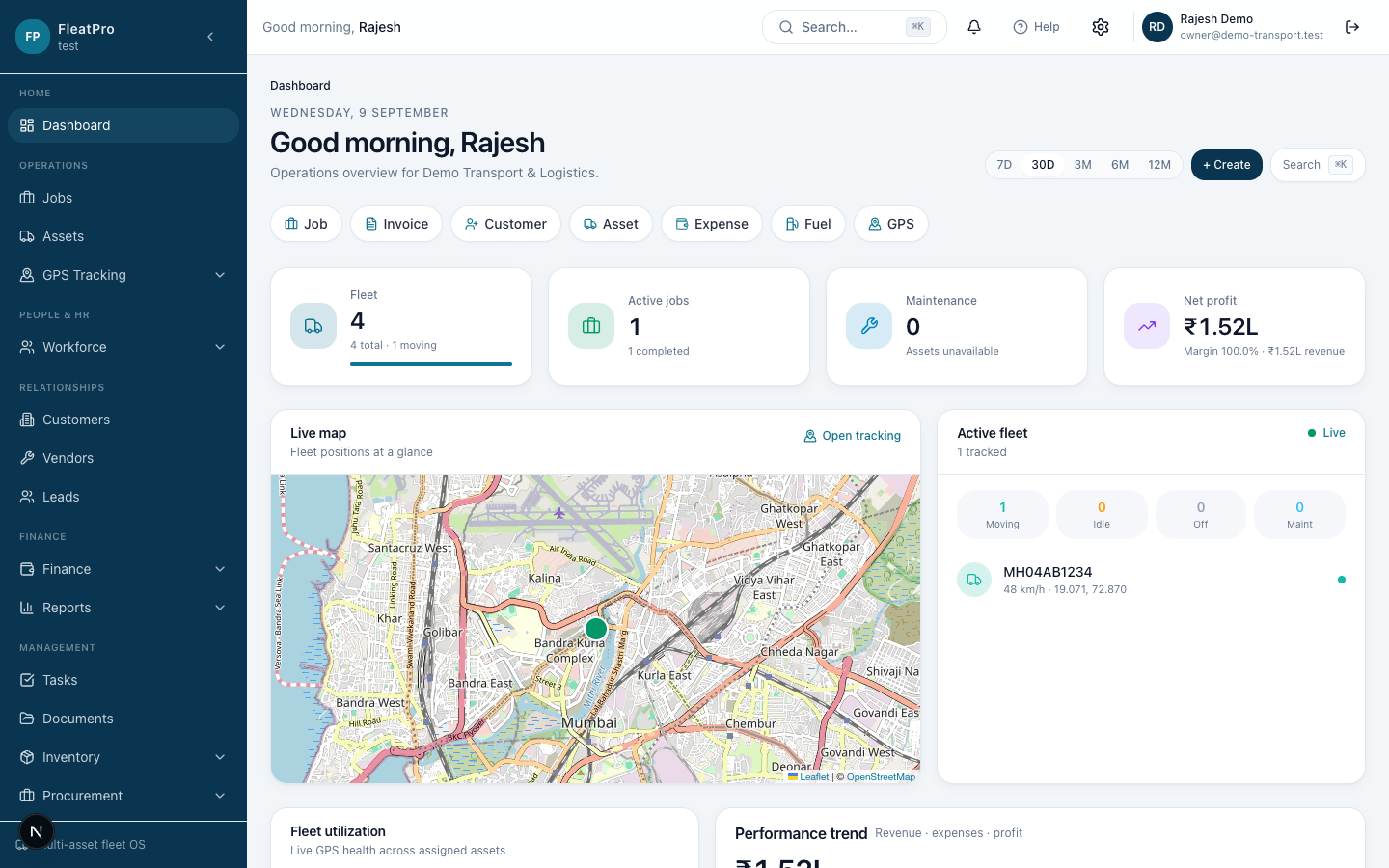
Steps
- 1
- 2
Follow the checklist
Use the 13-step Getting Started checklist to set up company, people, fleet, jobs, and finance.
Open screen → - 3
Explore the sidebar
Operations, People & HR, Relationships, Finance, and Settings are grouped in the left menu.
Tips
- Start with Company profile so invoices show your brand.
- Invite at least one teammate before you go live.