
← Help home
Fleet & Assets
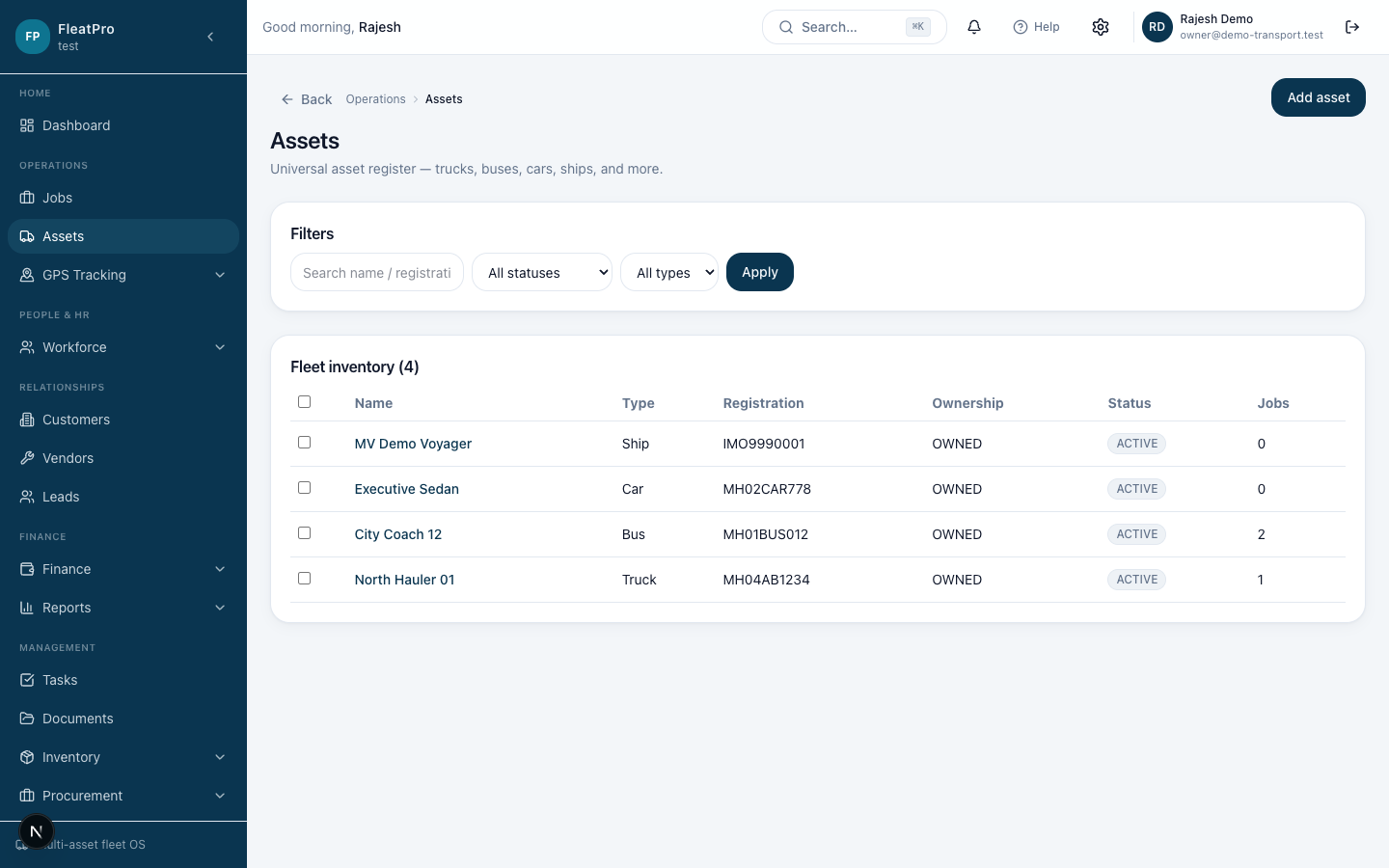
Register vehicles and equipment, then assign them to jobs and GPS devices.
Open in app →Step preview · Fleet & Assets
Steps
- 1
- 2
Add an asset
Enter registration, type, status, and branch if needed.
- 3
Assign work
Select the asset when planning jobs or attaching GPS devices.